Why Is My Ethernet Connection Stuck at 100 Mbps?
Is your Ethernet speed stuck at 100 Mbps despite using Cat6 cabling and Gigabit hardware? Find out how damaged wire pairs, incorrect...
Key Features:
| Quantity | Unit Price | Savings |
|---|---|---|
| 10-29 | $12.35 USD | 5% |
| 30-69 | $11.96 USD | 8% |
| 70+ | $11.05 USD | 15% |
Shipping
From the US warehouse - delivered in 7 days.
Free U.S. Shipping Over $59.99
Worldwide Shipping Available
Know More at Shipping Policy .
$12.99 USD
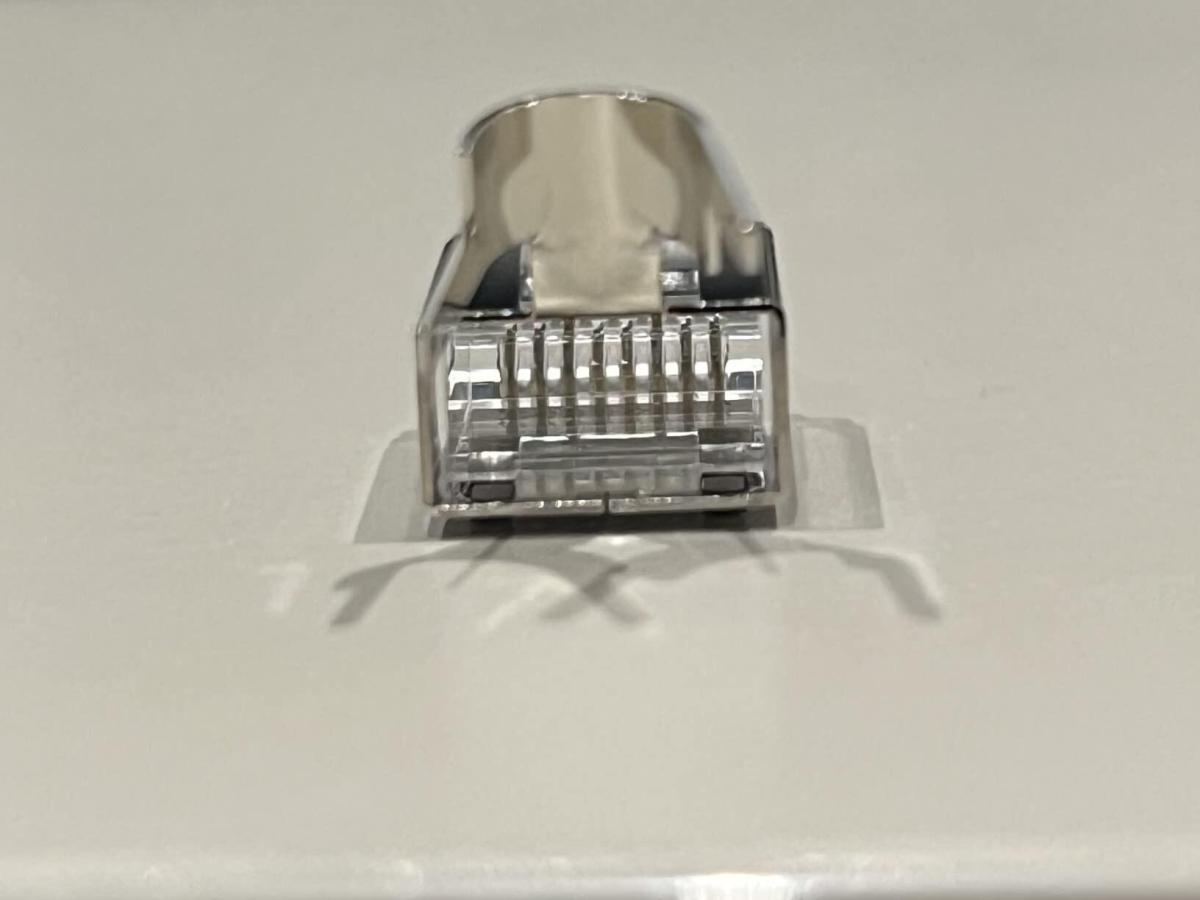
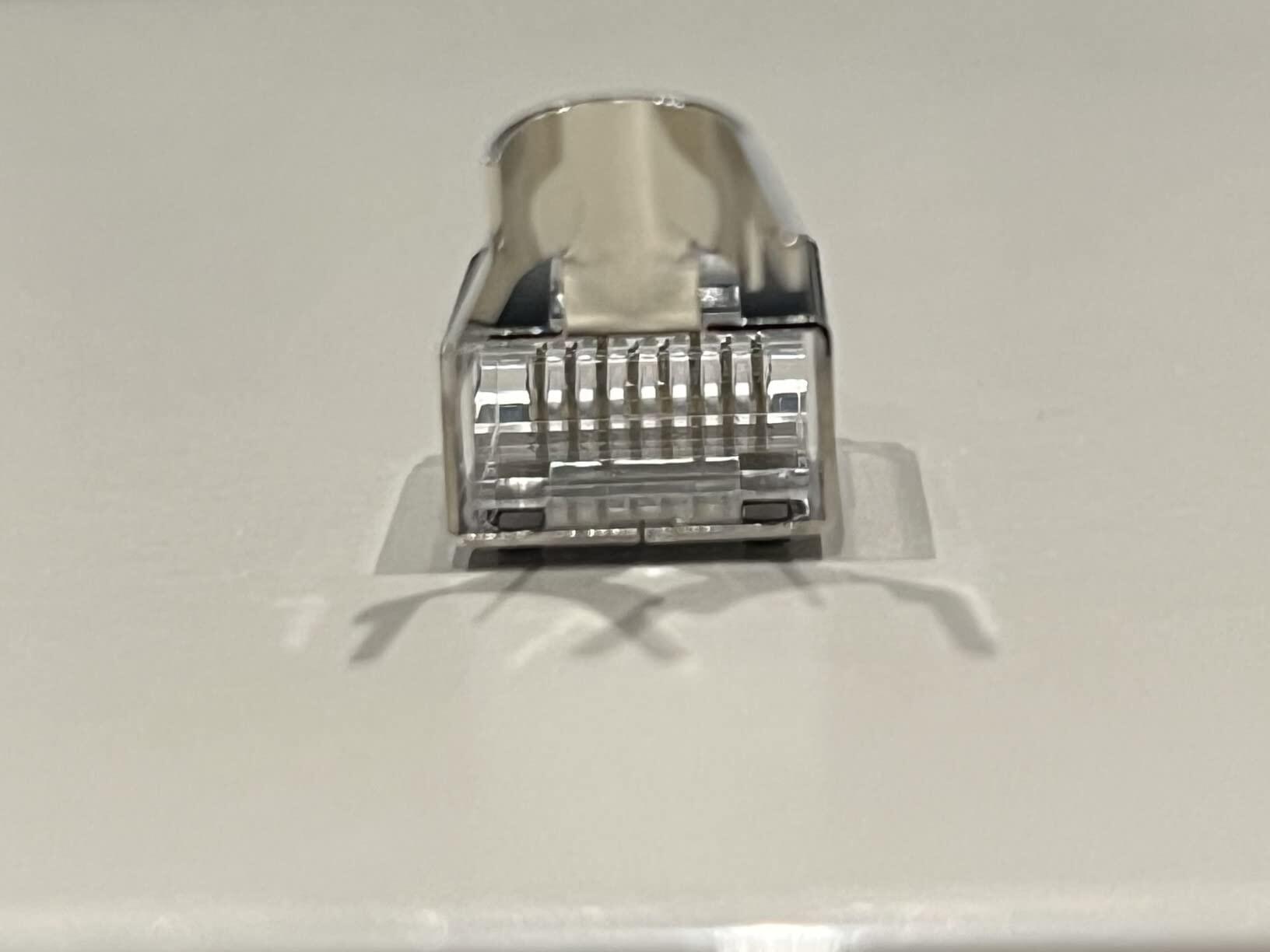
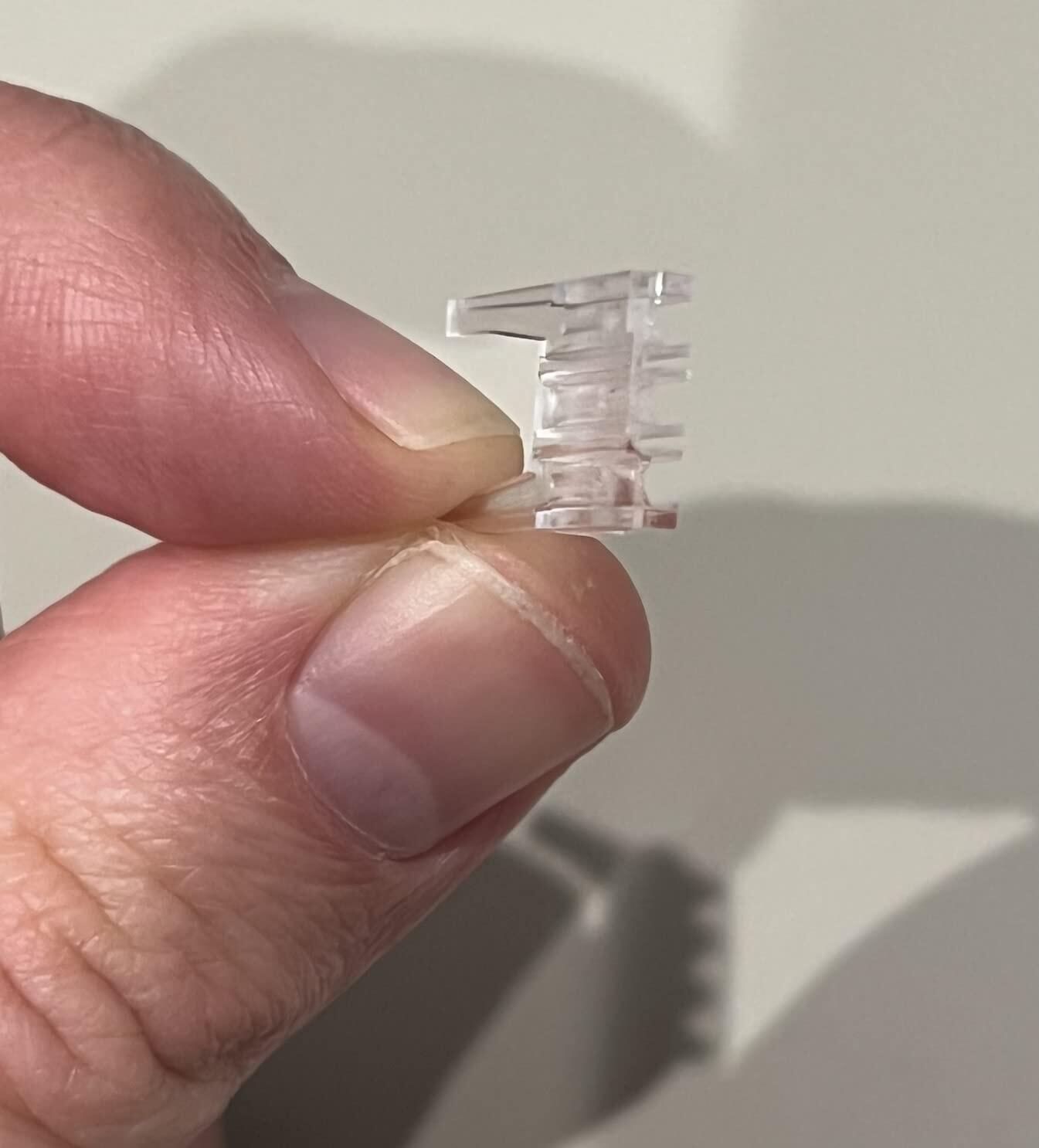
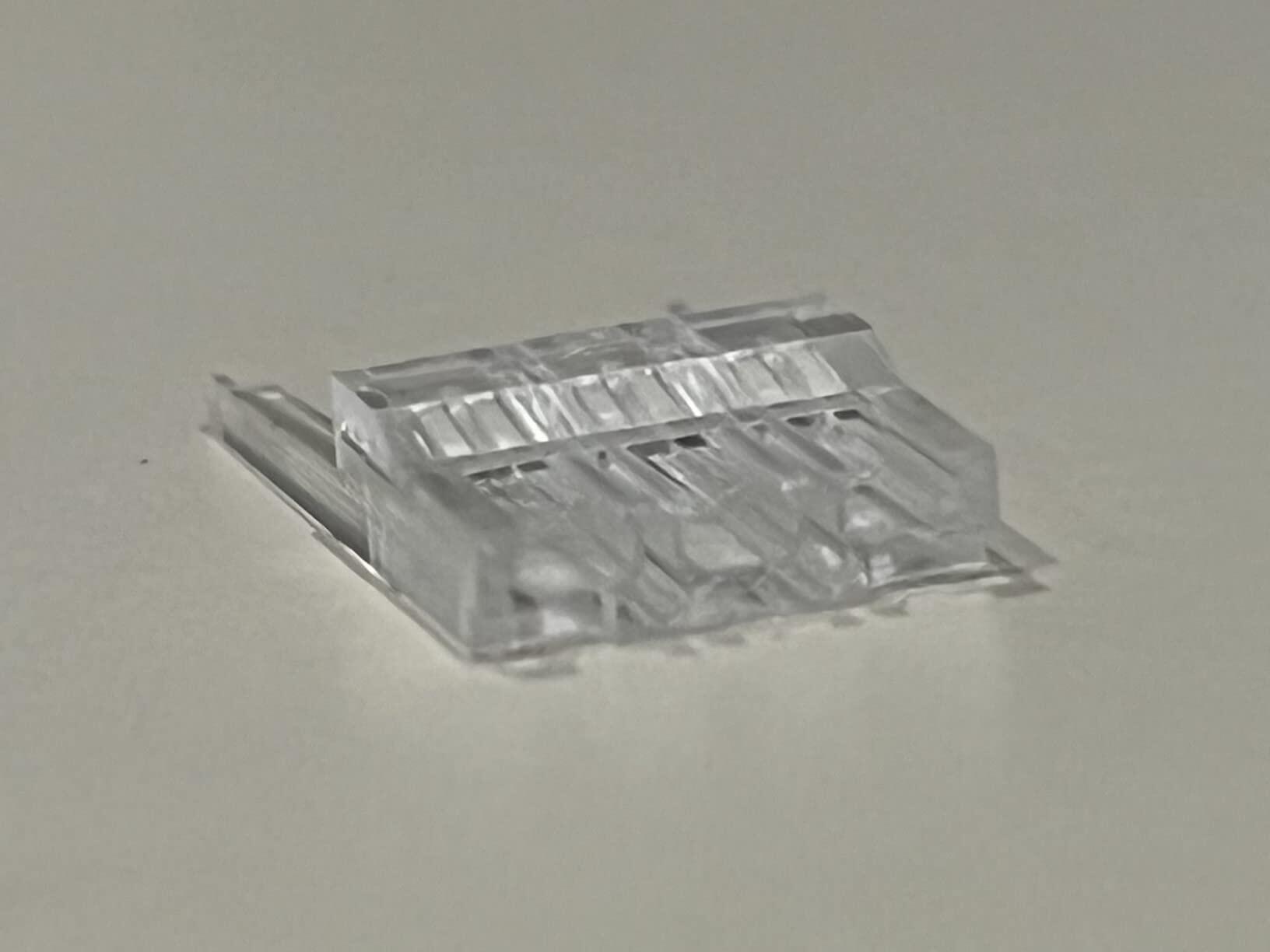
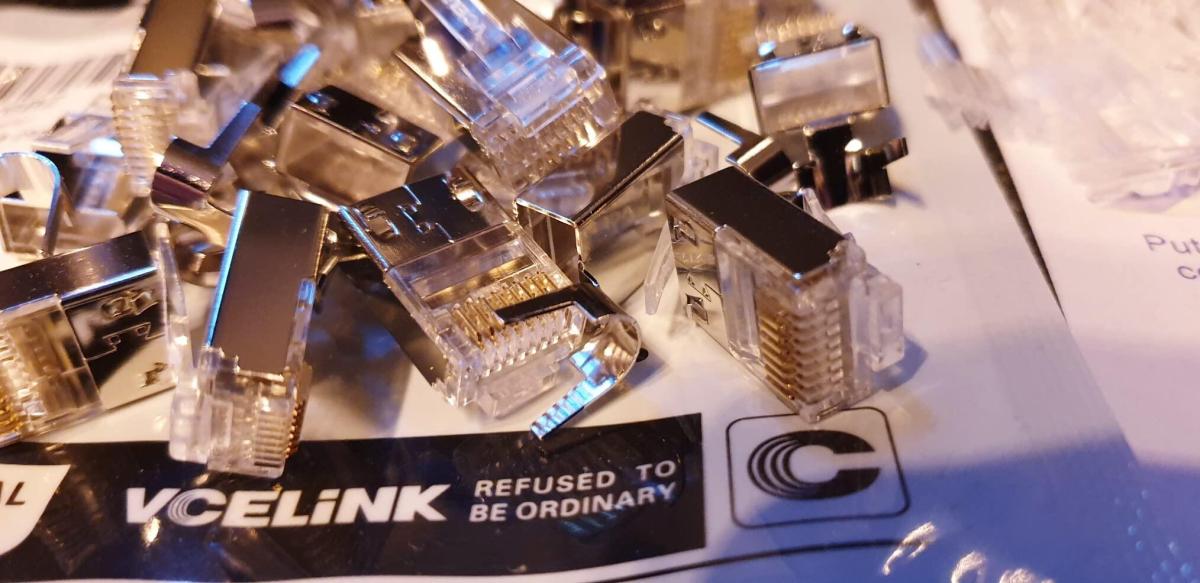
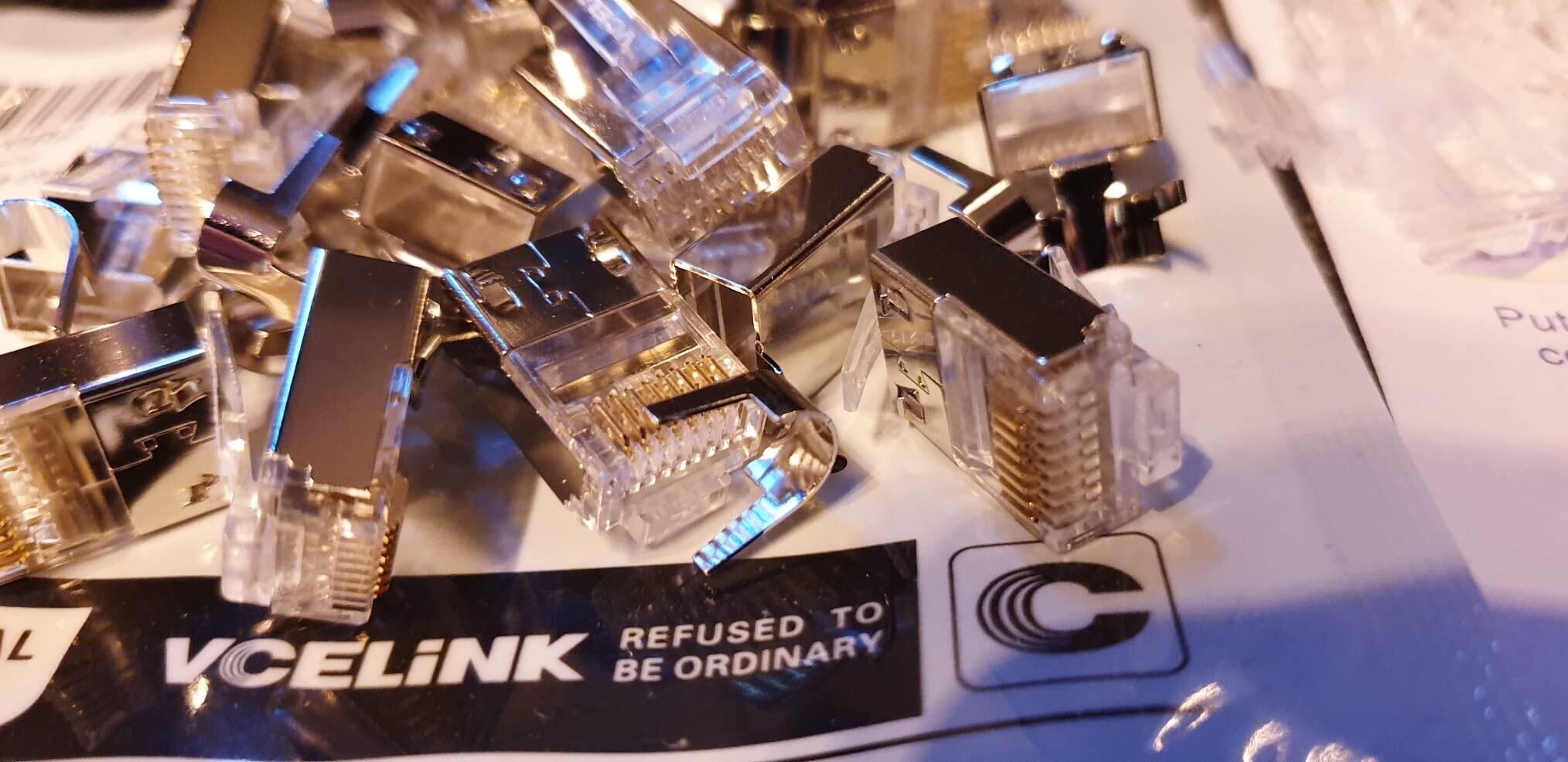
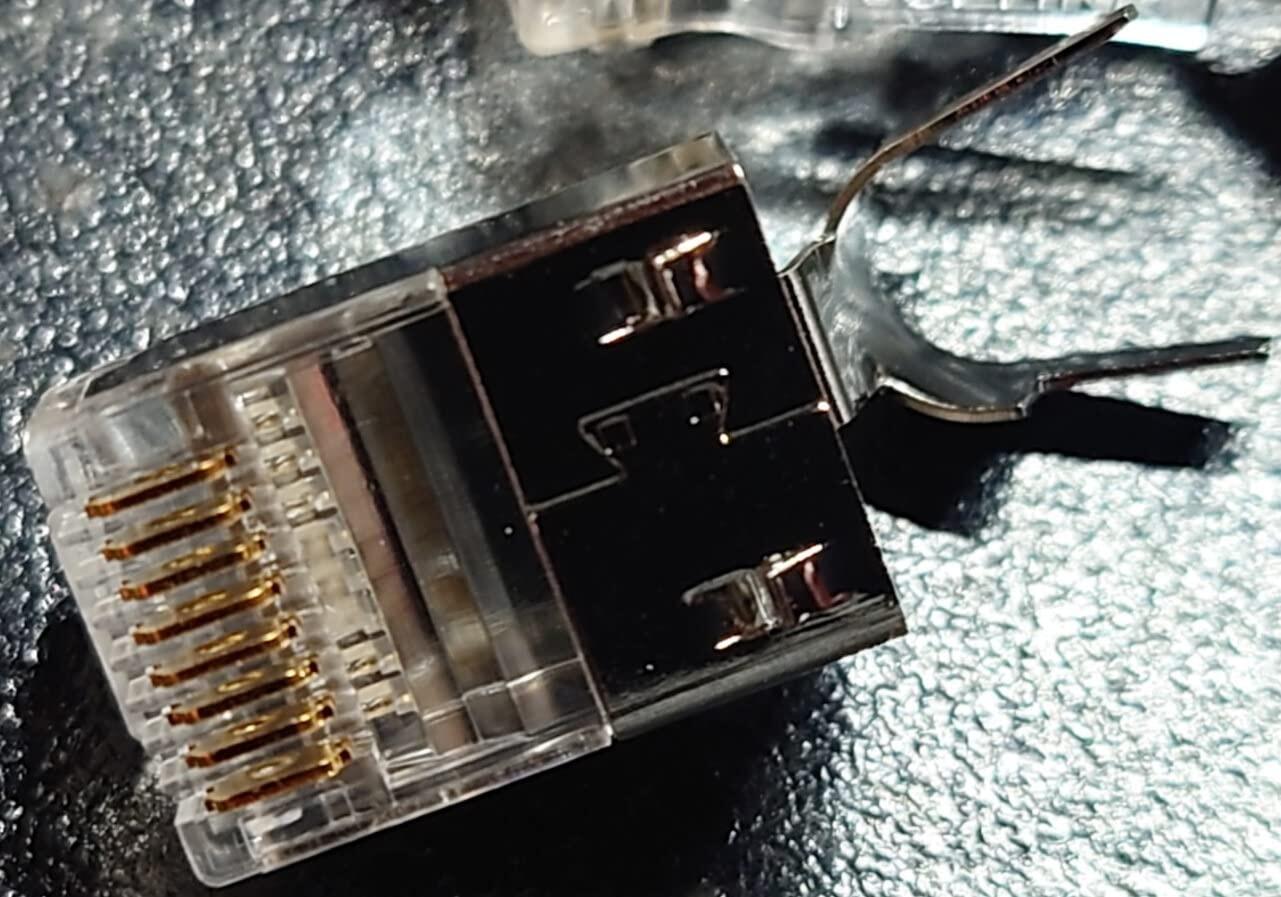
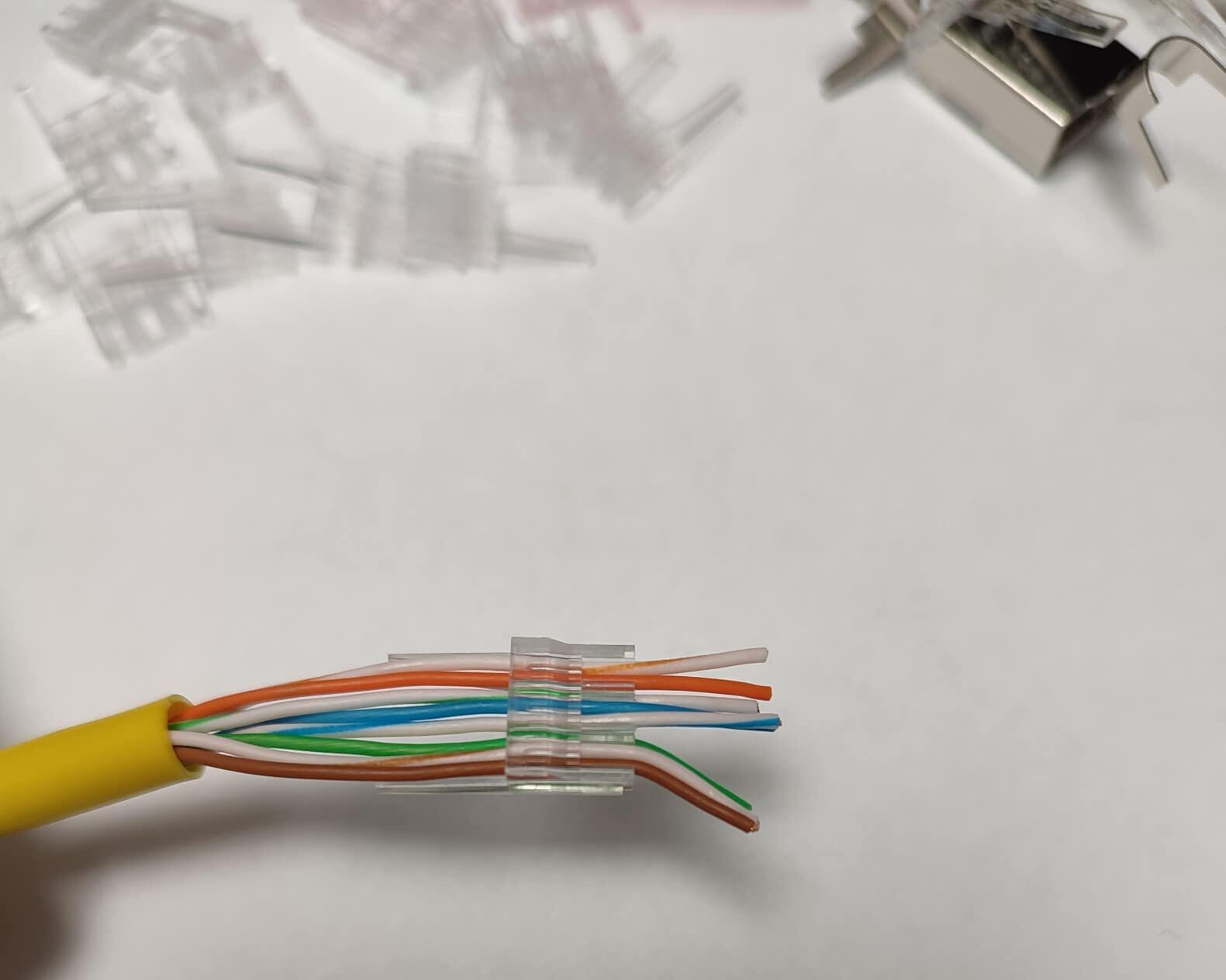
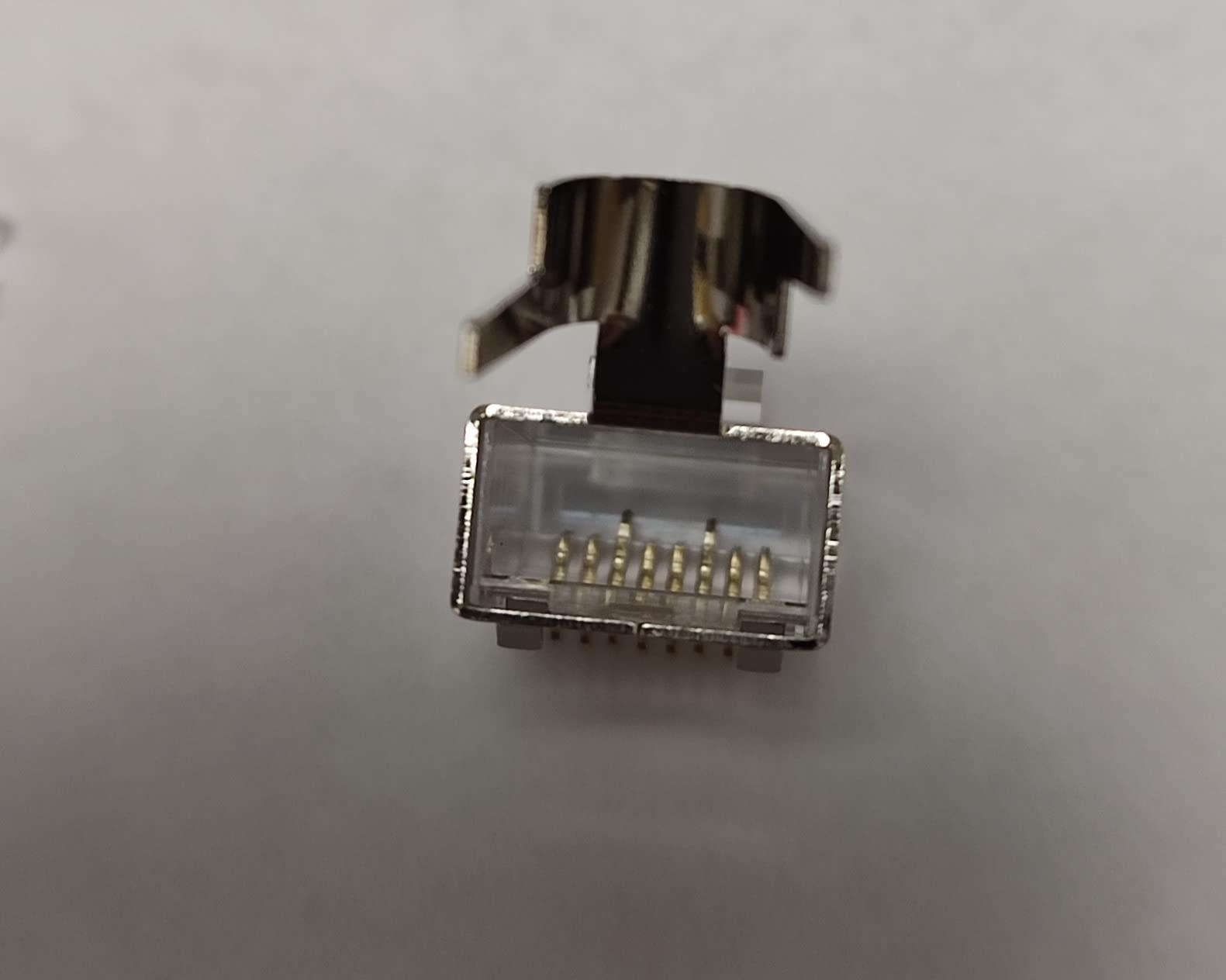
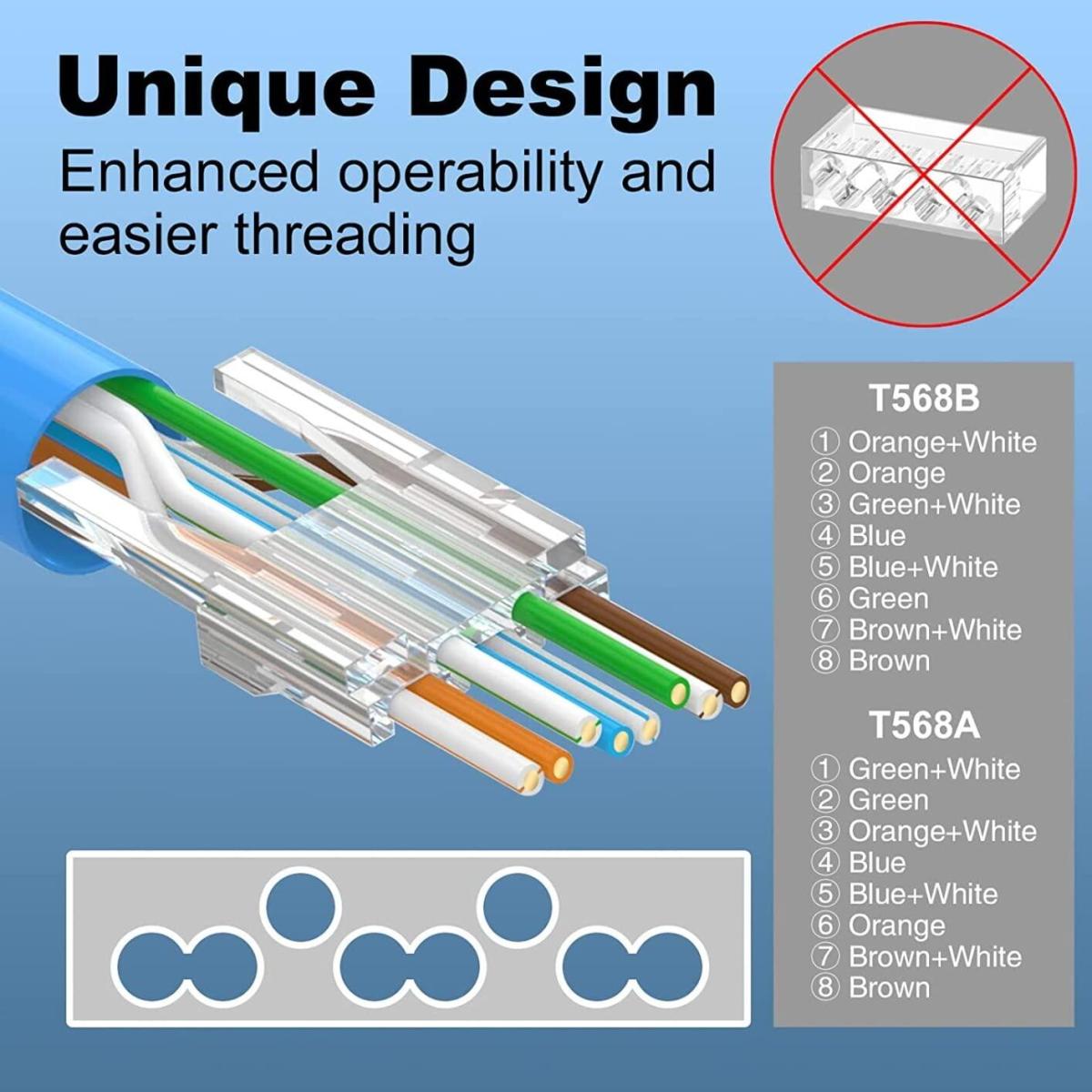
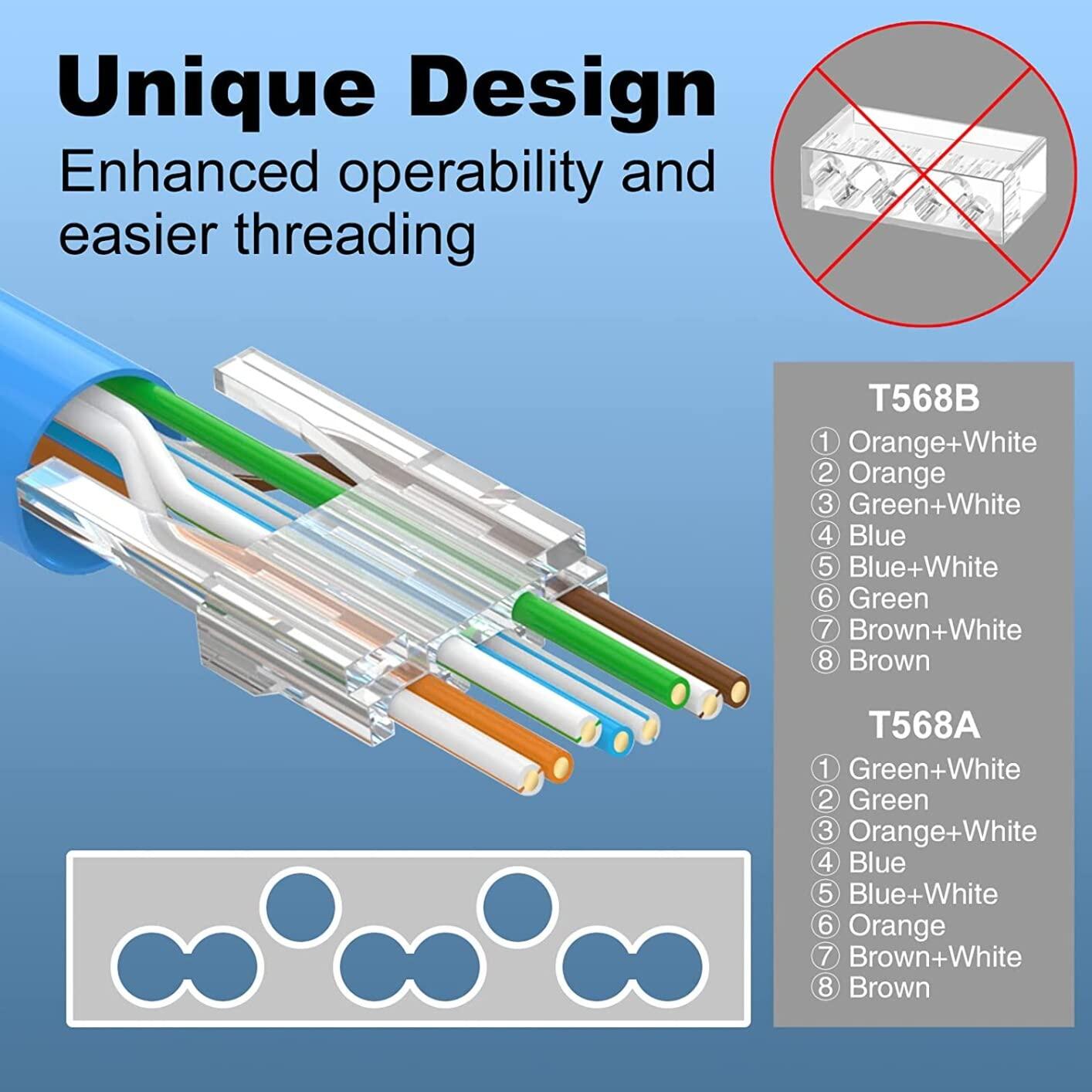
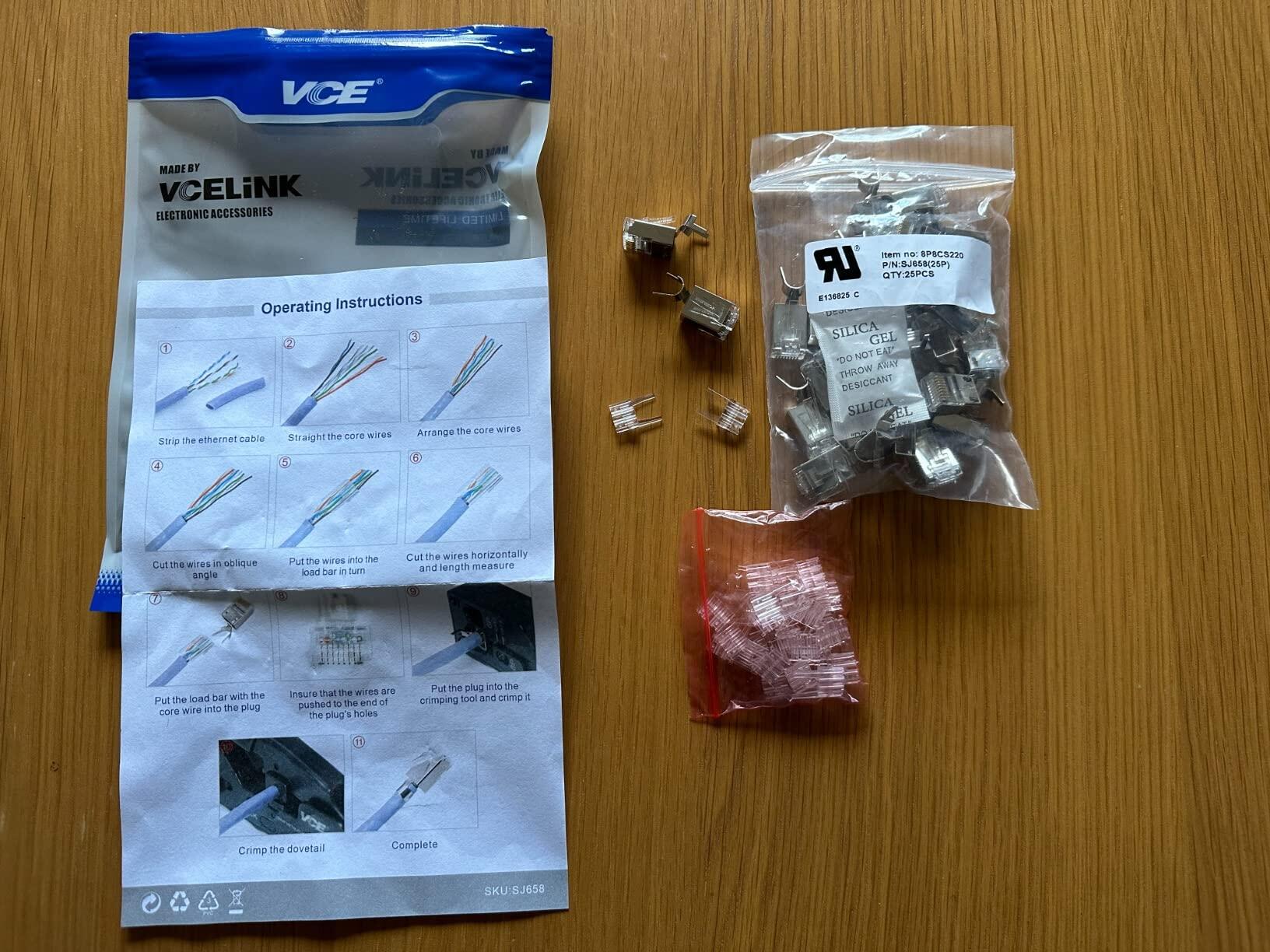
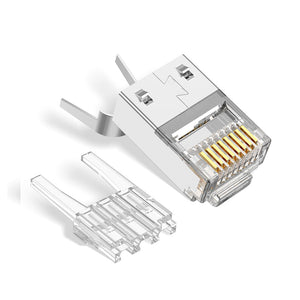
Our Short-body RJ45 Connectors are tailored for Cat6, Cat5e, and Cat5 cables with an insulated core diameter from 0.98mm to 1.05mm. It features a specialized load bar for easy installation and improving the success rate of installation.
VCELINK supports buying in bulk or customizing your products, if you have any requirements, please contact us or email us.
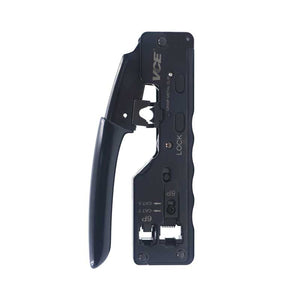
GJ669BK RJ45 crimping tool is recommended for you.
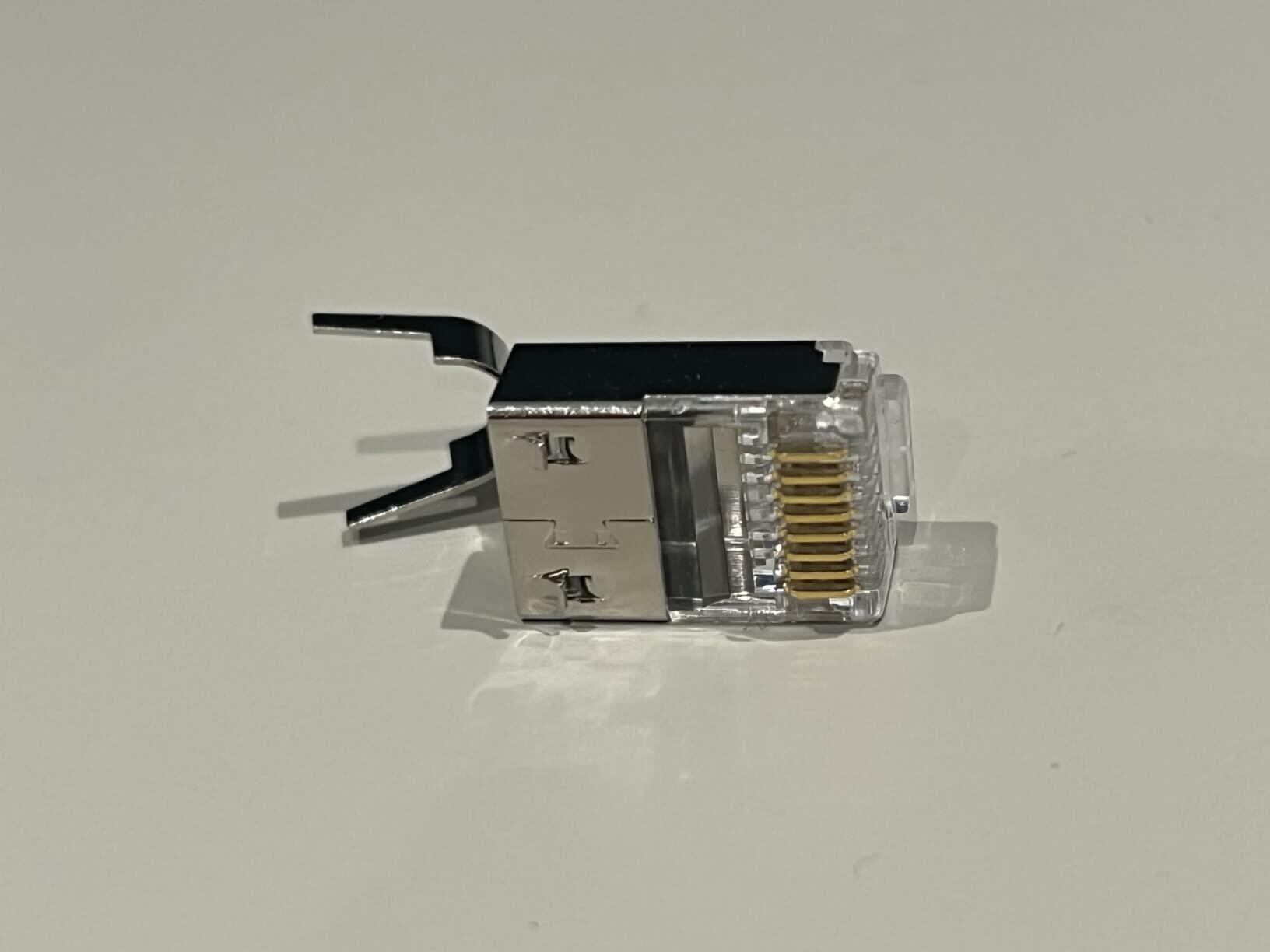
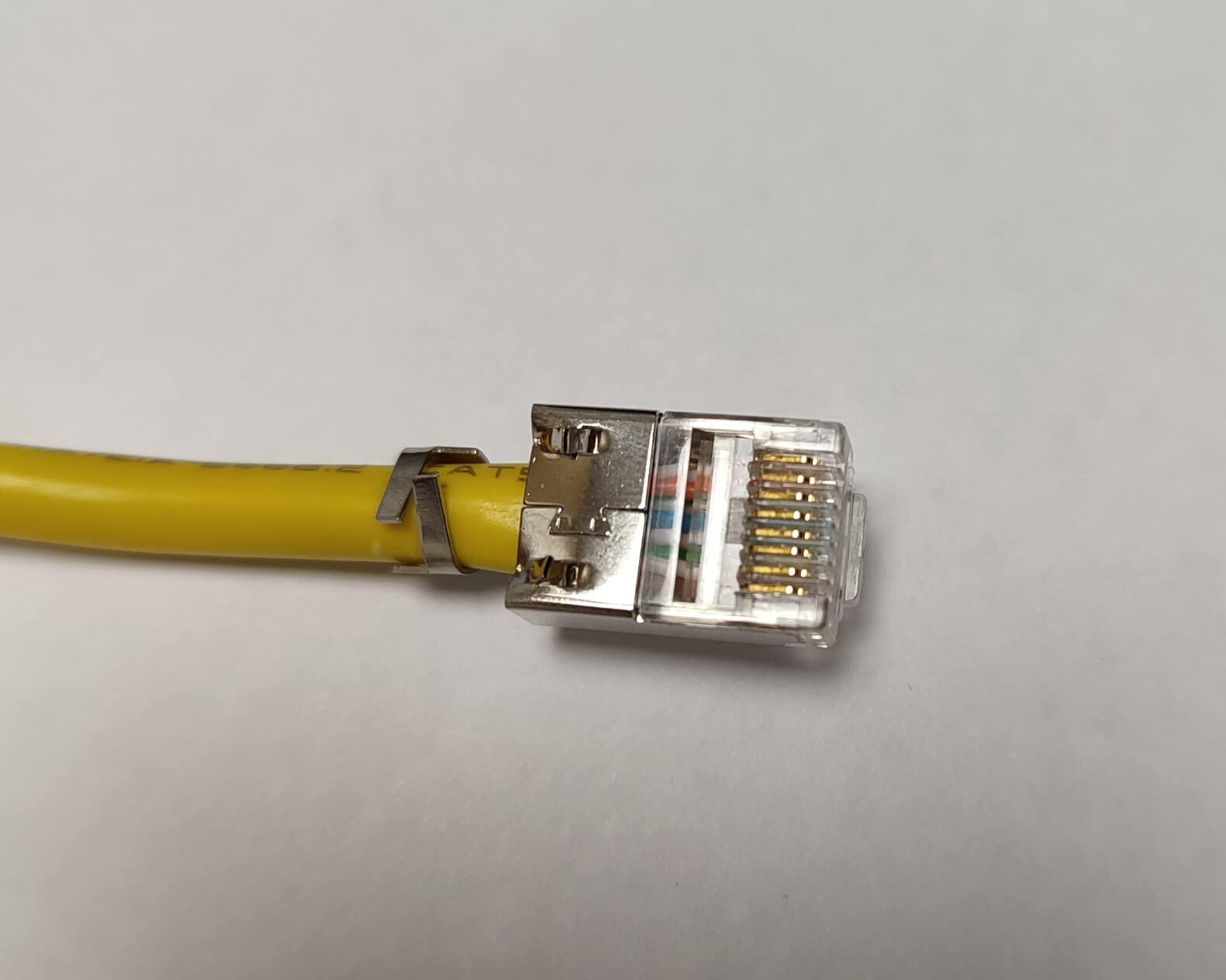
-Shorter than standard RJ45 connectors, this RJ45 plug is suitable for a tight space and is widely used in engineering construction, home decoration, and other network cable installation;
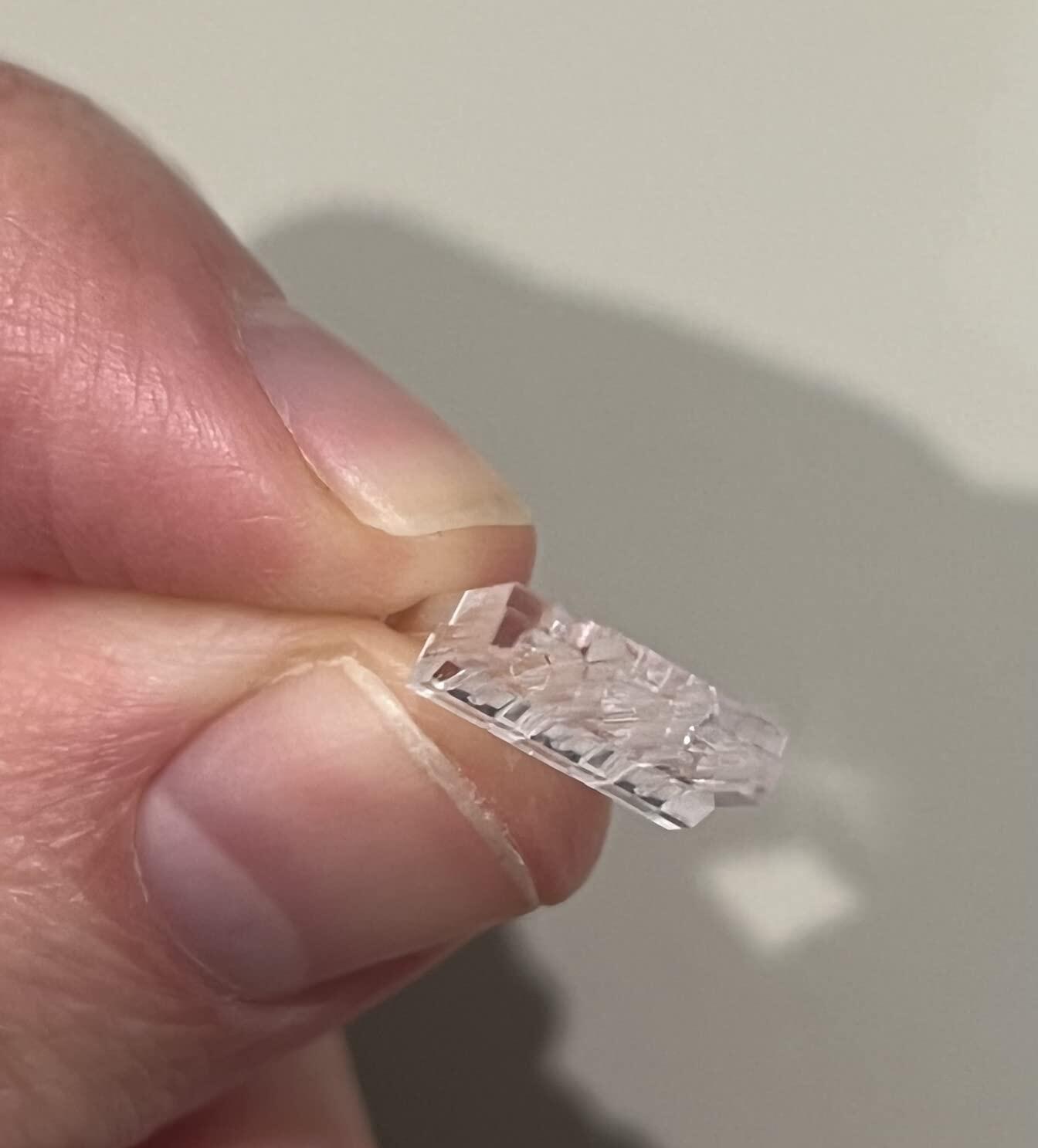
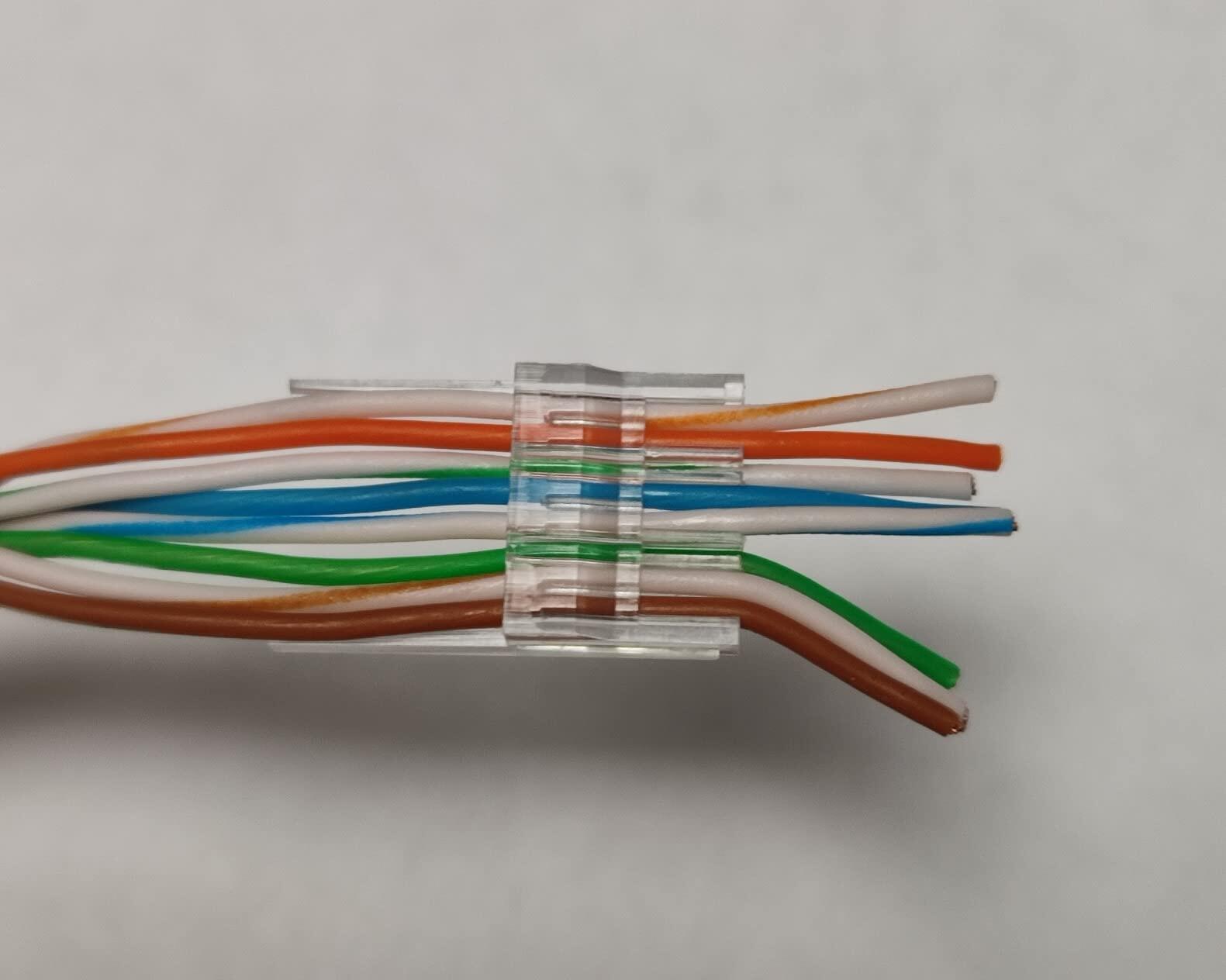
-Its load bar has a longer part, allowing you to easily grasp and adjust the insertion.
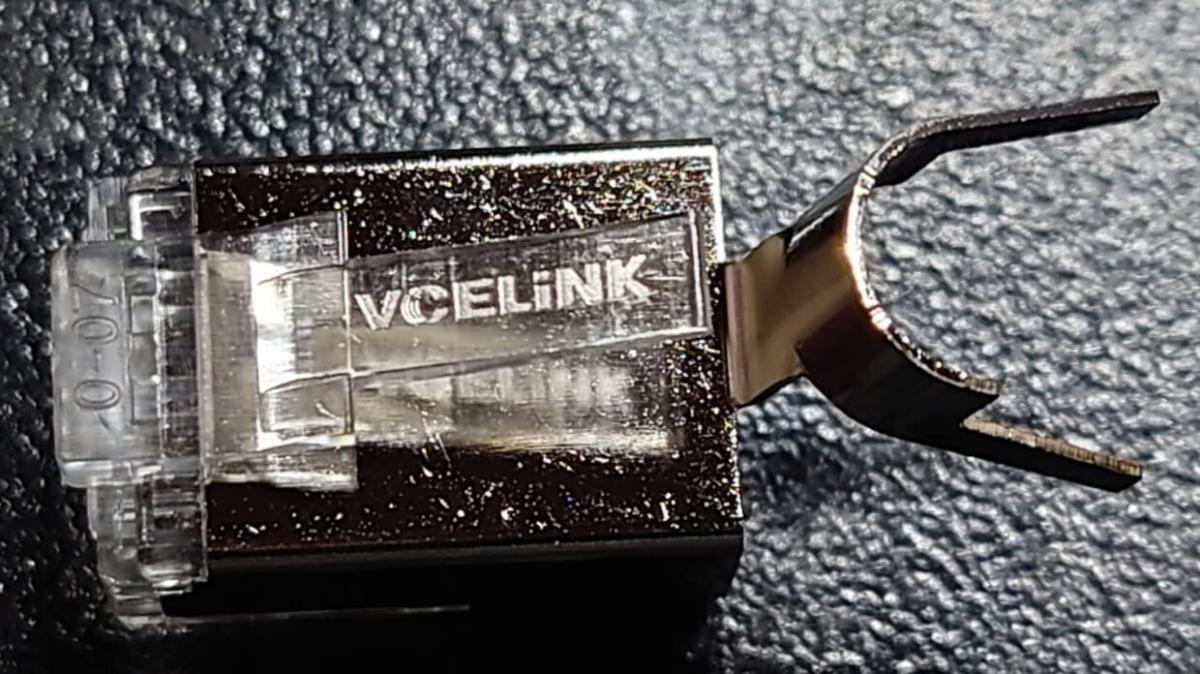
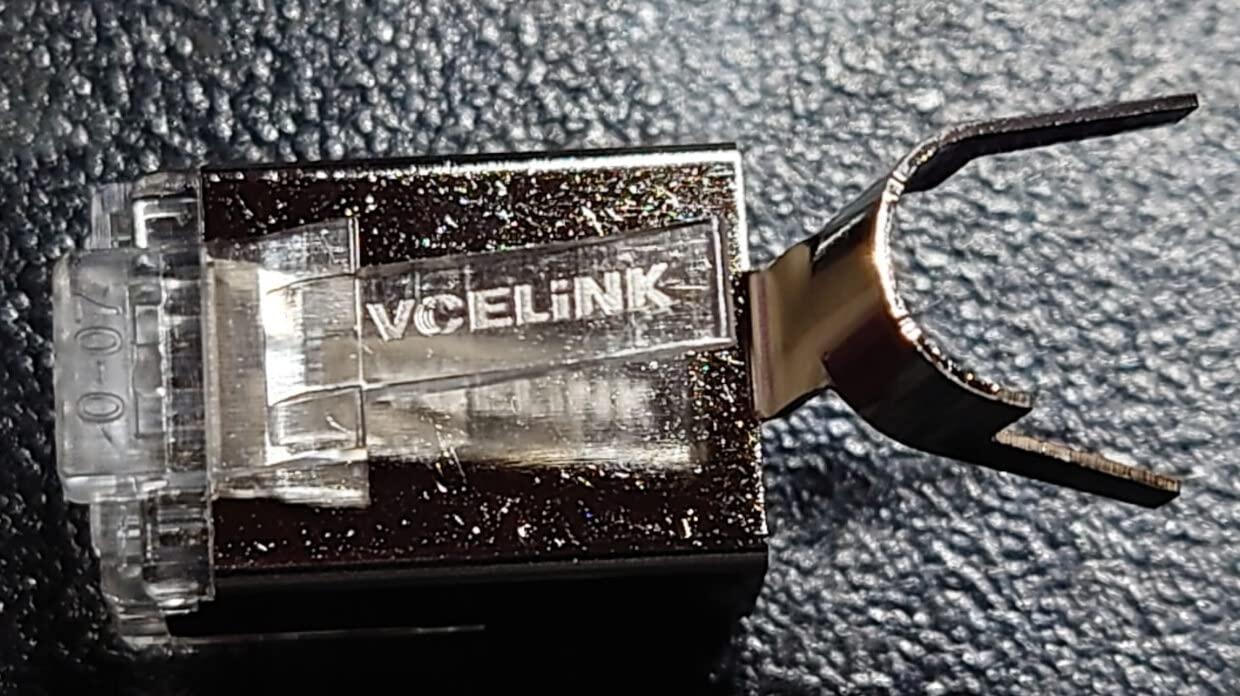
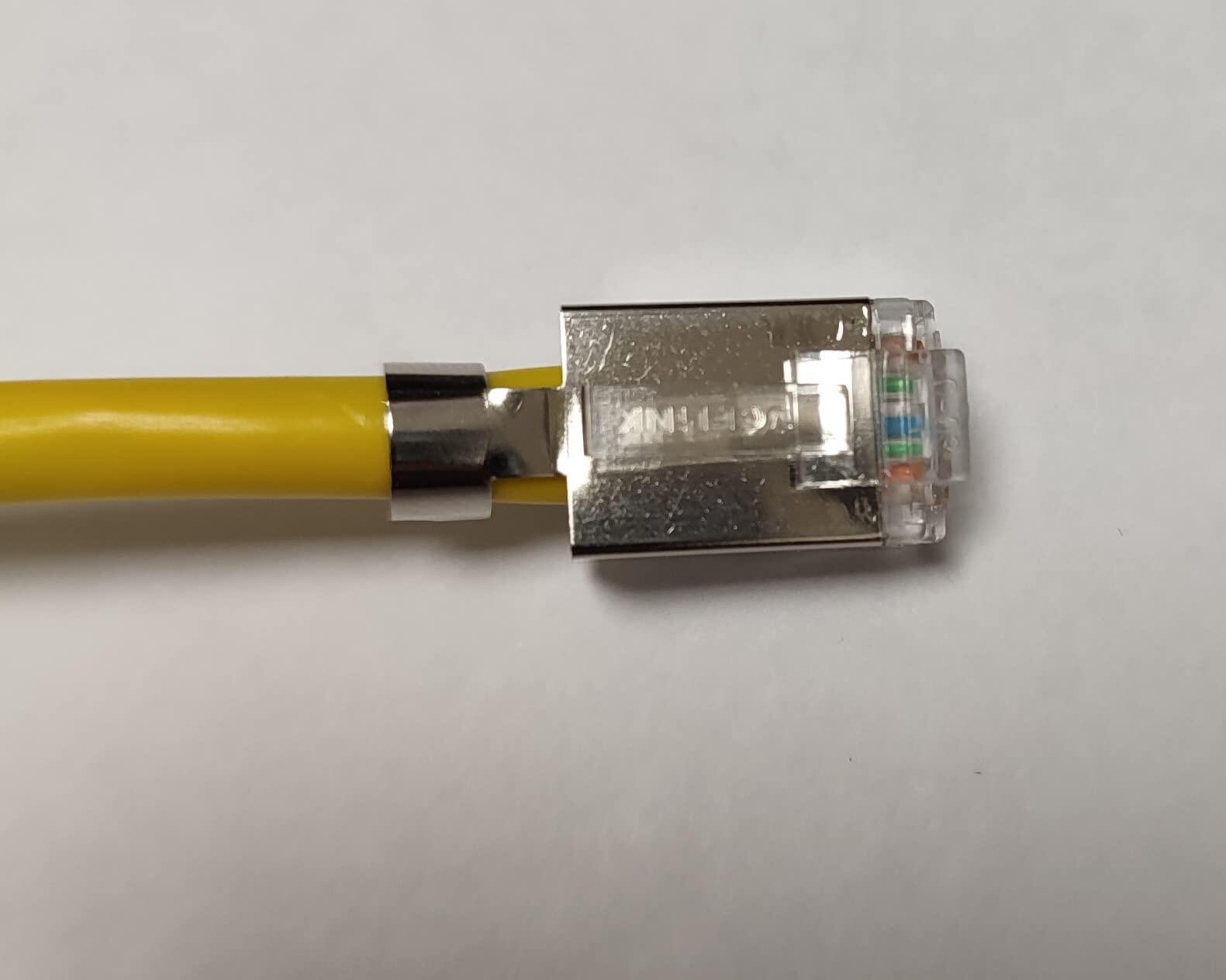
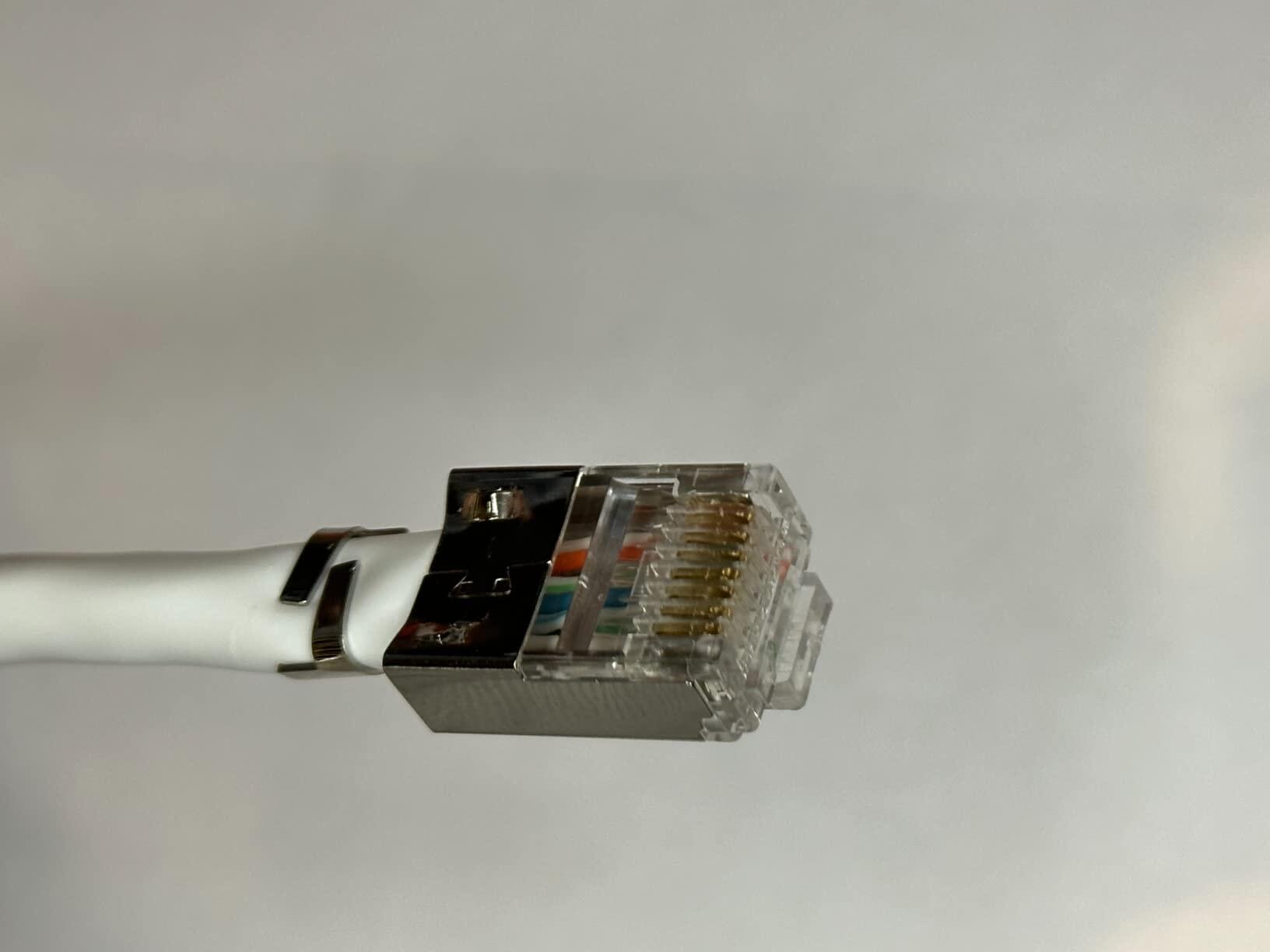
-The metal housing provides a shielding from external interference;
-The ground collar provides a grounding connection for safety.
-Gold-plated contacts are designed for stable and reliable data transmission;-3-prong design ensures tight contact for stability;
-Cat6 network speed and is backward compatible with Cat5e and Cat5 cables.
-The gold-plated contacts are resistant to corrosion and antioxidants, which allows for long-time use;
-The polycarbonate plastic retains latch has strong toughness and is not easy to break.
Is your Ethernet speed stuck at 100 Mbps despite using Cat6 cabling and Gigabit hardware? Find out how damaged wire pairs, incorrect...
When you purchase crimping tools, do you only choose them based on the price or the appearance in the product pictures without...
A wiremap check confirms that each conductor landed in the right pin, but it cannot tell you whether the connector will still...
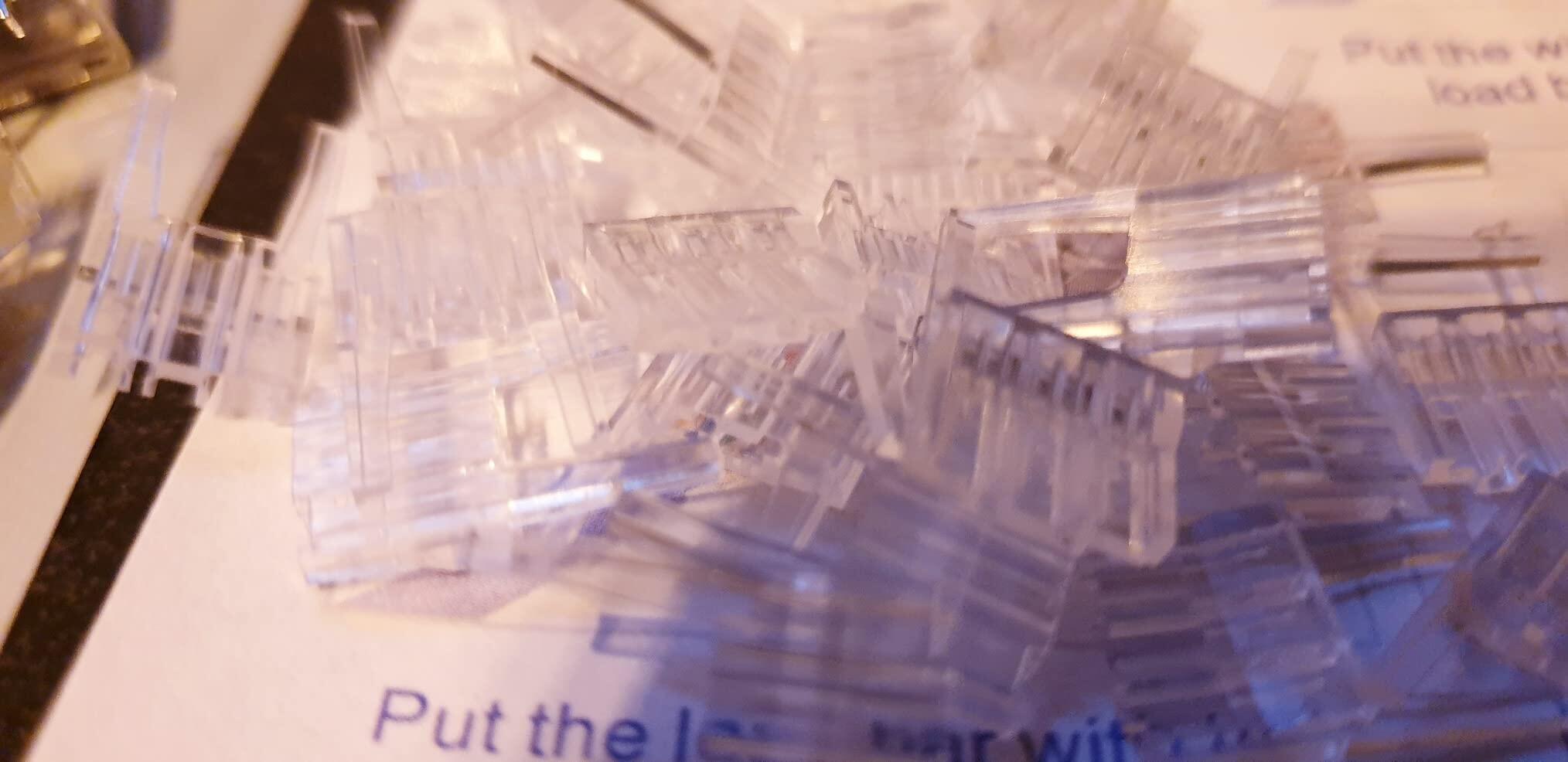
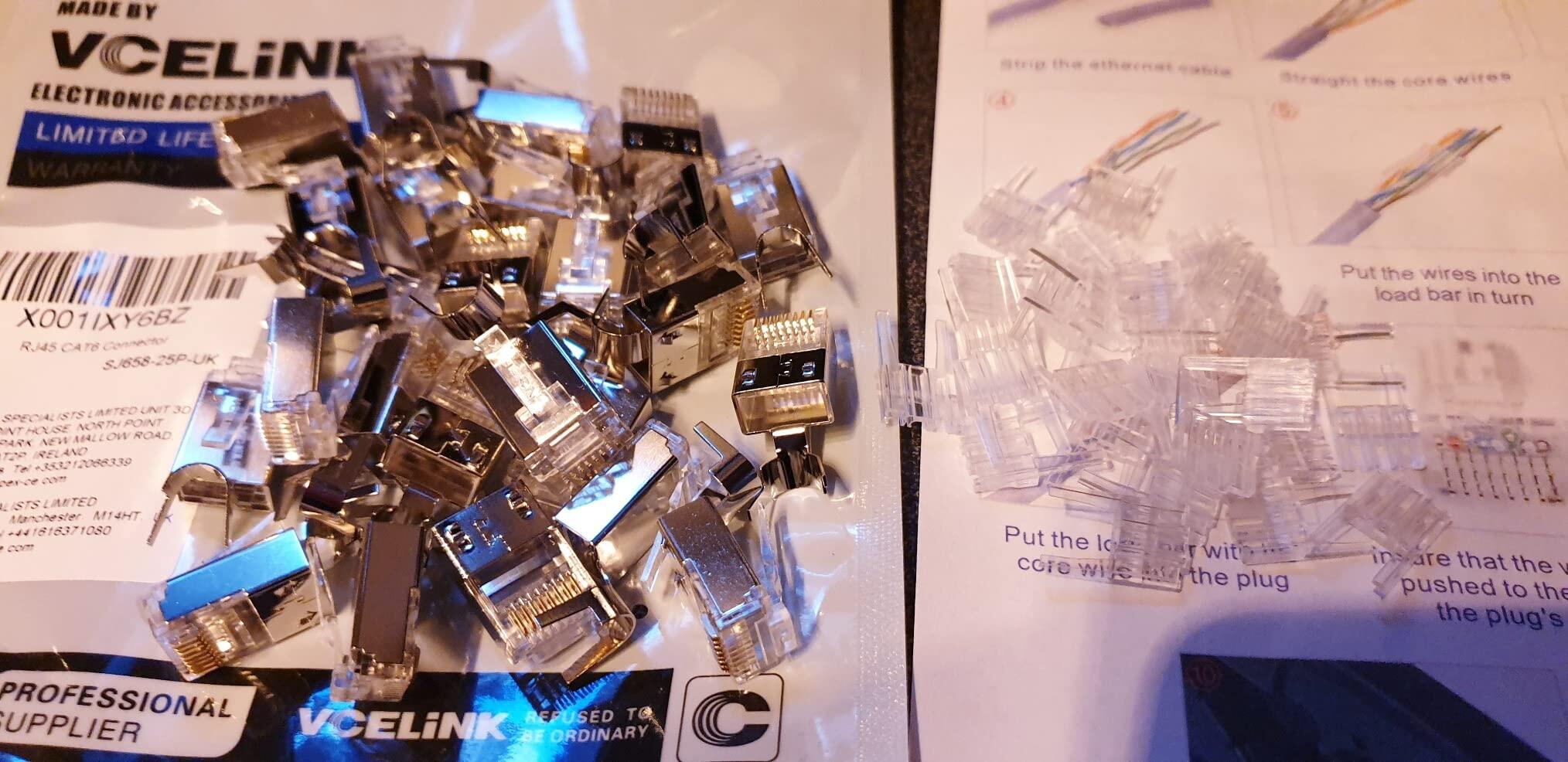
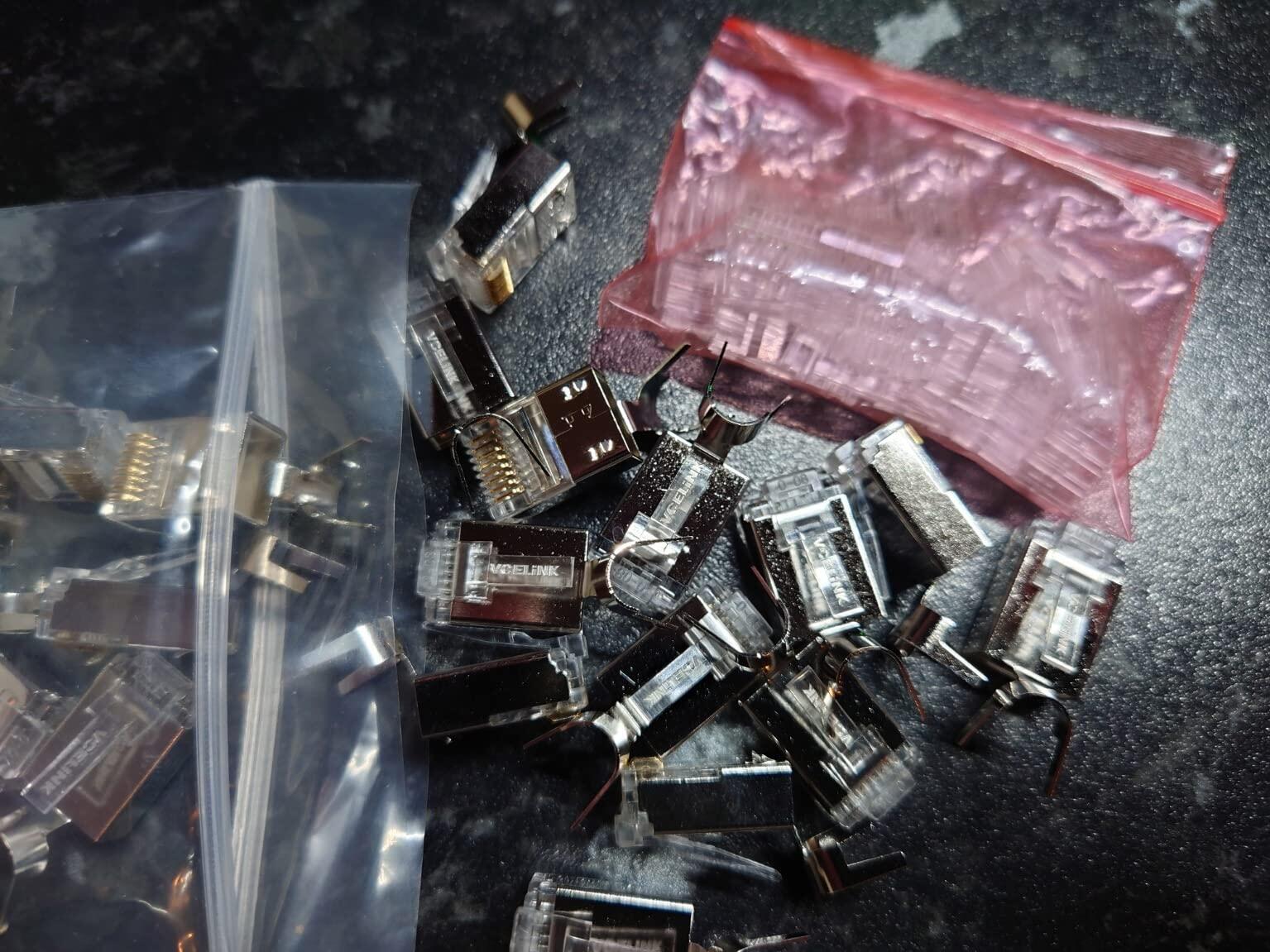
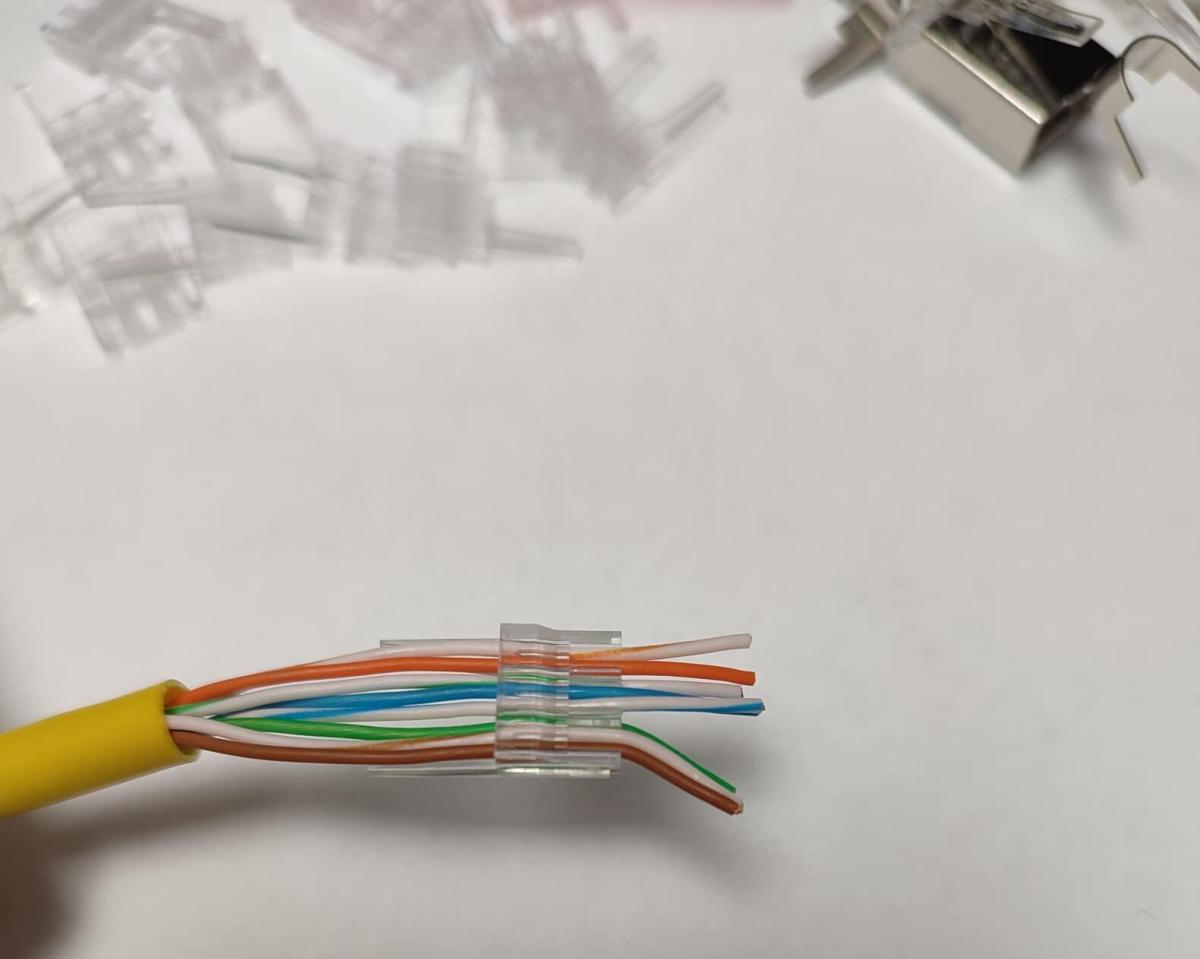
25 RJ45 connectors with 25 loading bars, which will connect ethernet cables up to Cat 6, both shielded and unshielded types. Doing these connections yourself is always going to be fiddly, but like anything, you get better the more you do The clear loading bar does help align the coloured ethernet cables before final insertion into the RJ45 adaptor. And you will need a crimping tool (not supplied) to finish the job. So far, it's working as expected, no complaints
Using these clips is fast and simple. The connection worked perfectly fine once we had installed the cable. No complaints!
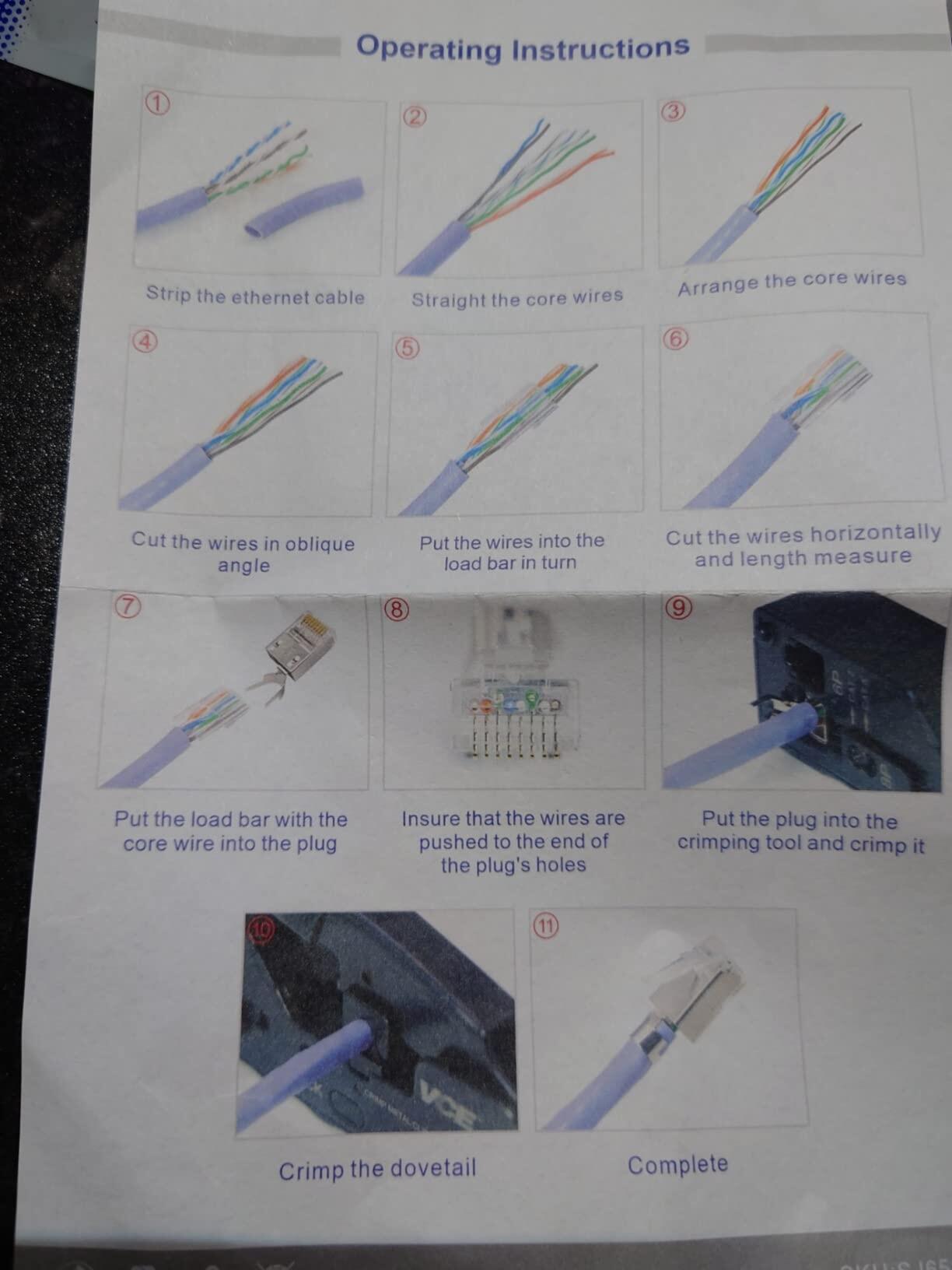
These come in a plastic pack which has another plastic pack inside that contain the connectors. Also included are some instructions on how to use them. With them being cat6, the ethernet cables inside are spaced further apart to lessen any interference and they are compatible with Cat6, Cat5e and Cat5 cables. One of the things I like about pass-through connectors with a load bar is that you can see the ethernet cables properly so you can check they went through the tracks properly and are in the correct sequence. You can also get the ethernet cable sheath right up to the connector before you crimp it so it’s nice and snug. These also have a 3-pronged blade which means they can be used with solid core cable. I’ve used about 20 of these now and every one of them got a good connection and passed the connection test on my ethernet tester. Since these have 3-pronged blades, is Cat6 and is also the pass-through load bar, for the price you may as well buy these. They are not as expensive as some pass-through connectors, and I would always prefer the pass-through load bar type over the traditional. My crimping tool doesn’t cut the excess cable off, but they are easy enough to slice off with a blade…
I usually buy the regular adaptors as I got used to them. However, I have to admit that these adapters are really good and worth it; The only thing I think they could improve is the manual/instructions. It took me a few minutes to understand how to use them as you have to carefully pass the wires individually through the little plastic cap; It makes it easier to allow some spare wire, then once you have passed all the wires you just cut the excess wire and crimp it with your crimping tool (not provided), so, bear in mind that you will need to have a crimping tool to use these… I had a lovely experience with these adapters and a great result, as seen from the photos.
If you are making your own network cables these are essential. These are rated to cat 6 so will have a max speed of 10gbps which is fine for most home networking uses. Unless you are setting up a media server to be used by lots of people at the same time this will be fine. They're easy to use, just seperate the wires and organise into the holder, then press into place and clip closed. After a bit of practice you can easily attach a connector in less than a minute. When assembled they hold securely and give good speeds without any lag or drops in connection. This is a big bag with enough connectors to network any home or small office. Good quality and value. Recommended. Thank you for reading my review. I hope you found it useful
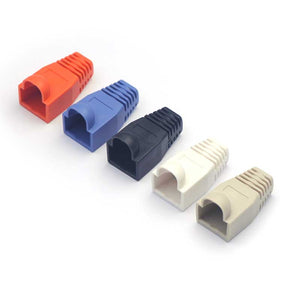
A pack of 25 CAT6 connectors at a reasonable price. The pack contains the plugs, loading aids (to help sort the wires for insertion) and an instruction leaflet. The leaflet was a little small and a little lightly printed for me but if you're planning on assembling these its the same process as ever with the addition of the second level of holes for managing thicker CAT6 wires in the loader /plug. I found a better image of the required wire order for these online that illustrates this and have re-posted it here. Worth noting you'll probably be wanting to use the T569B plan so I've crossed through the other plan . To assemble, tease out the wires into the right order, cut them at a slant and insert one by one into the loader Get the cable outer case as close to the loader as you can (closer than the image shows)so that the rear of the plug case can grip it, cut the wires at the front flush, put them in the plug shell and check all reach the end and crimp with the proper tool. The metal cable grip would then grip the outer shield on Screened cables but in this case it was Unscreened cable I had on hand so it's just an extra mechanical aid. The connector blades gripped the wire cores fine even though they were at the very low end of the stated diameter range Some strain relief boots to cover the rear of the connectors would have been nice but are optional, pretty standard and are available separately Not Bad !